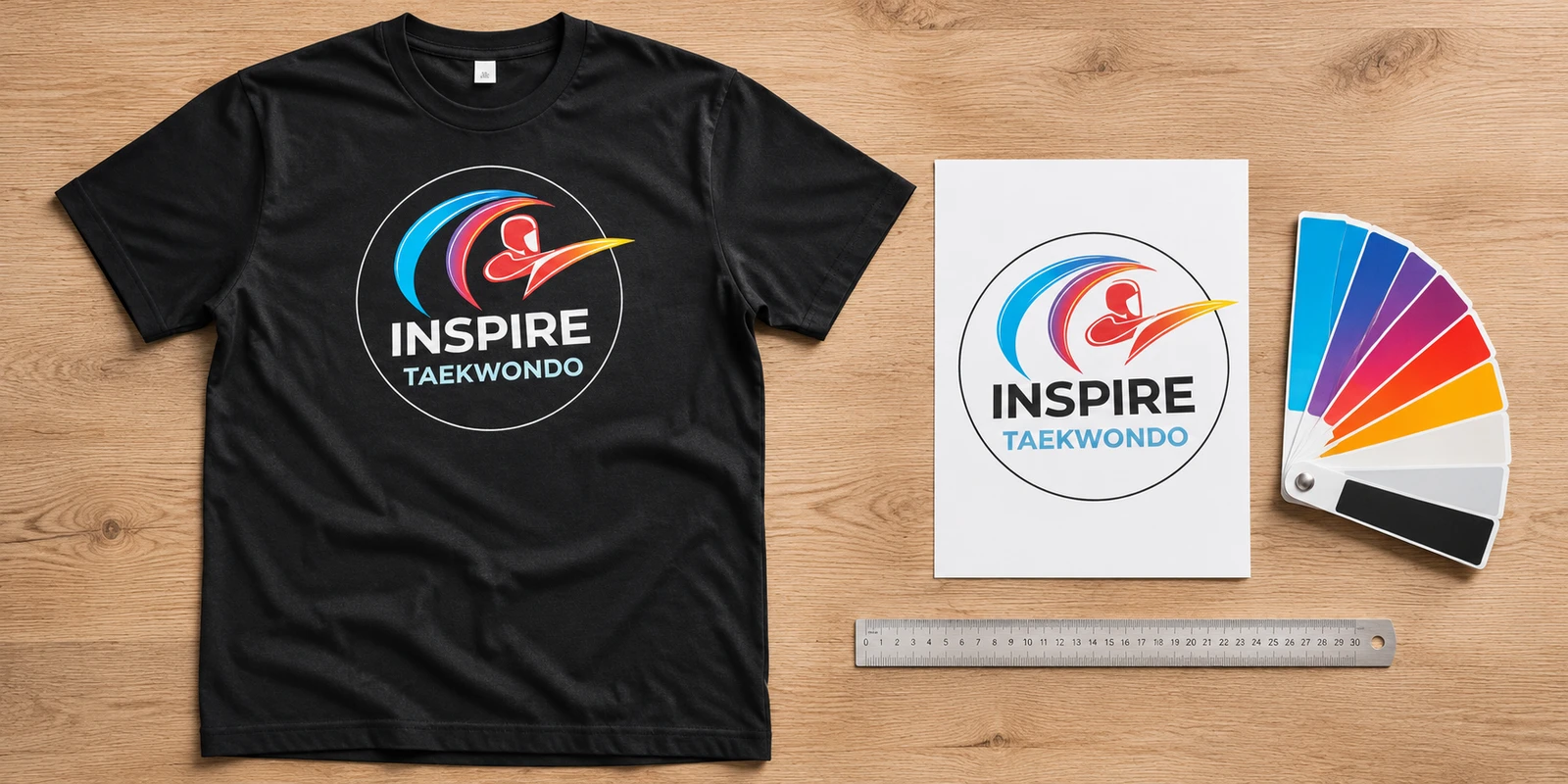
Custom clothing · Southport
Good print starts with good artwork.
Send your best file. We’ll help with the rest.
Printed in Southport. No minimum order.
What to send with your design
You don’t need to know all the print terminology to get started. Send the best original file you have, along with the clothing you want and where you’d like the design to go. We’ll check the artwork before printing.
Your original artwork
Vector files such as AI, EPS or a suitable PDF are useful for logos and lettering. A high-resolution PNG or JPG can also work. A PDF may contain a low-resolution image, so the file type alone does not guarantee sharp results.
The intended print size
Tell us whether you want a small chest logo, a large back design or another position. Include approximate dimensions if you know them; otherwise, ask us to suggest a size in your mock-up.
Your order details
Include garment colours, quantities and sizes. If you need names, numbers or different versions, provide a clear list and explain which details belong on each item.
Keep the detail
Sharp files make a difference.
For bitmap artwork, aim for around 300 pixels per inch at the intended print size. A design 25.4 cm wide at that resolution needs roughly 3,000 pixels across.
Changing the resolution setting or enlarging a small image does not restore missing detail. Original exports are usually more useful than screenshots, social-media downloads or images copied from a document.
Fine lettering and very thin lines can be difficult to reproduce on textured fabric. We’ll check the design at its proposed size and discuss any adjustments.
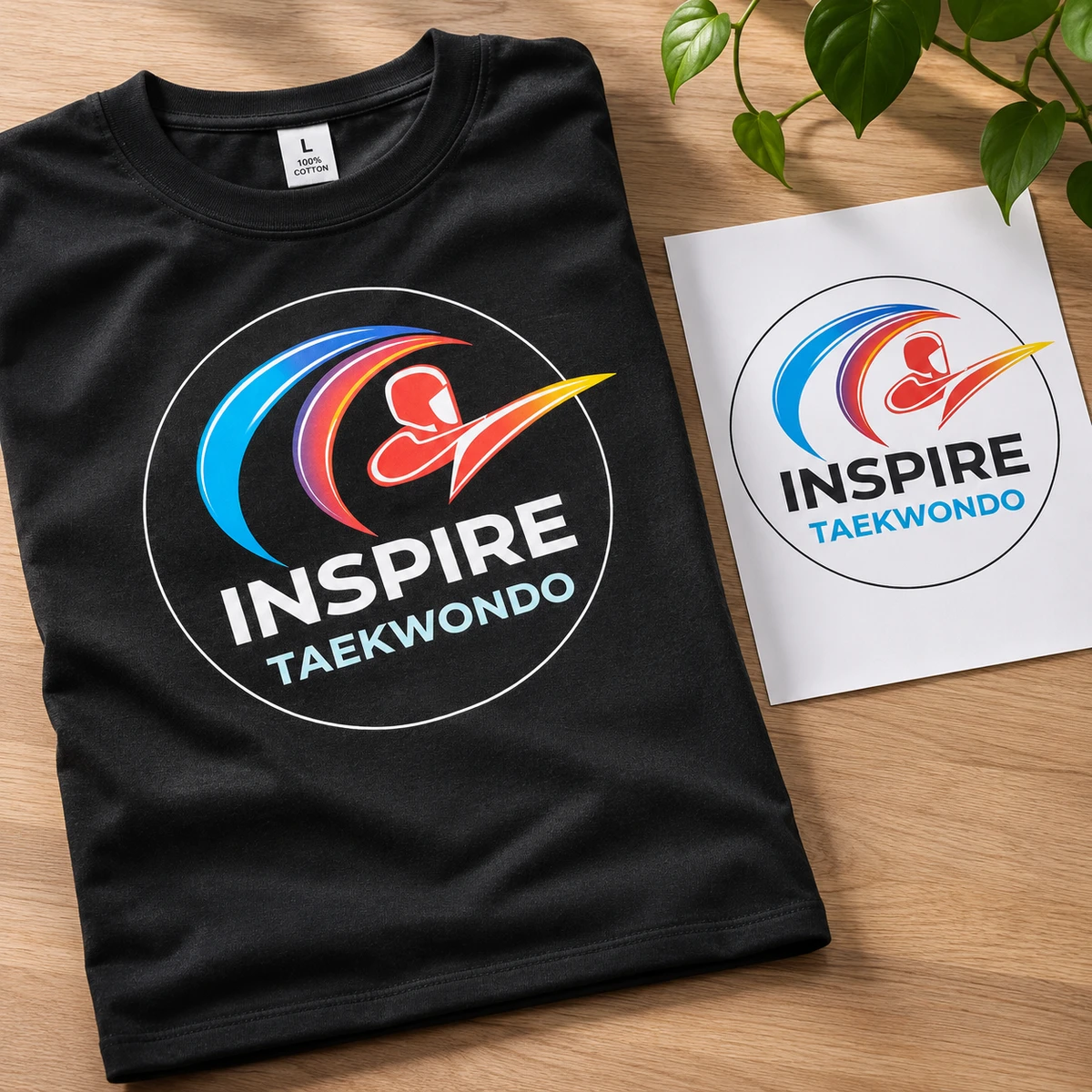
Backgrounds, colours and print positions
Choose the background deliberately
If you want the garment colour to show around your design, supply a transparent PNG or suitable vector artwork. A white rectangle in a JPG is part of the image. Tell us if it needs removing.
Tell us which colours matter
Screens and printed fabric display colour differently. Send your original file with its colour profile intact and tell us about any important brand colours. We’ll discuss what can be achieved on your chosen garment.
Make the position clear
Specify chest, back, sleeve or another position for each design. Seams, pockets, zips and reflective panels can affect the available print area. We’ll help you choose a suitable layout.
Before you approve your mock-up
- Check every word, name, number and date against your original list.
- Confirm which design goes on each garment and which side it appears on.
- Review the proposed print size, placement and garment colours.
- Check quantities, garment sizes and the details in your written quote.
A mock-up shows the proposed layout. Fabric, screen settings and garment sizing can affect how the finished print looks. Raise anything you are unsure about before approving the design.
Frequently Asked Questions
I only have a screenshot. Can I still enquire?
Yes. Send what you have and tell us the intended print size. We will check whether it is suitable or explain what is needed to improve it.
Should I convert my artwork to CMYK?
Send the original artwork with its colour profile intact. We will check the file for our print workflow. Avoid repeated colour conversions and tell us about any important brand colours.
Can you remove a background or tidy up a logo?
Send the file for us to check. We can discuss artwork preparation and any design charges before you decide to proceed.
Do I need permission to use a logo or image?
Supply artwork that you own or have permission to reproduce. If the design belongs to someone else, check that your permission covers printing it on the clothing you are ordering.
Ready to see your design on clothing?
Send your artwork and garment ideas for a free mock-up, or contact us if you need help preparing your file.